
7.7 KiB
title, date, tags, excerpt, related
| title | date | tags | excerpt | related | ||||||||||||||||||||||||||
|---|---|---|---|---|---|---|---|---|---|---|---|---|---|---|---|---|---|---|---|---|---|---|---|---|---|---|---|---|---|---|
| Play with QwenPaw-Pet | 2026-07-01 |
|
QwenPaw introduced the plugin system in version 1.1.3 and the pet system in version 1.1.8. I was not a big fan of the official pet templates, so I had never configured them. Personally, I prefer pixel-style pet designs. |
|
Play with QwenPaw-Pet
QwenPaw introduced the plugin system in version 1.1.3 and the pet system in version 1.1.8. I was not a big fan of the official pet templates, so I had never configured them. Personally, I prefer pixel-style pet designs.
This time I spent some time letting QwenPaw generate a batch of pet templates by itself. Using make-skill and subagents, the pet generation process can be autonomously distilled, summarized, and reused, which significantly accelerates the workflow.
TL;DR Workflow
-
QwenPaw version: v1.12
- Note: The pet generation workflow in QwenPaw 2.0 may differ due to plugin system updates.
-
Model: Qwen3.7-Max
Overall process:
- Create a dedicated Pet Master Agent.
- Iteratively tune it based on personal preferences until the first satisfying pet generation pipeline is achieved.
- Use Make-skill to distill historical generation experience into a reusable
make-petskill. - Use the new skill +
subagentsfor batch generation to build a pet army.
1. Pet Master Initialization
1.1 Preparation
In the official plugin store, download the QwenPaw Pet plugin. 
Make sure the plugin is downloaded and enabled correctly.
For easier management, create a new Agent named Pet Master with the following skills:
-
Make-skill: Used to turn workflows into reusable skills, preparing for later large-scale pet generation.
- Also install things like Spawn-subagent along the way.
-
QA-source-index: Helps QwenPaw understand how its own pet system is designed.
- You can also use the
qwenpaw-docs-zhskill from the QwenPaw skill marketplace.
- You can also use the
Note:
- If you need to collect pet assets, you can also add
tavily mcpor browser-related skills. - If you need to compare image assets, enable
view_imageand use a model with multimodal image understanding (for example, qwen3.6-plus).
1.2 Initialization Setup
Through conversation, provide background knowledge to the new Agent:
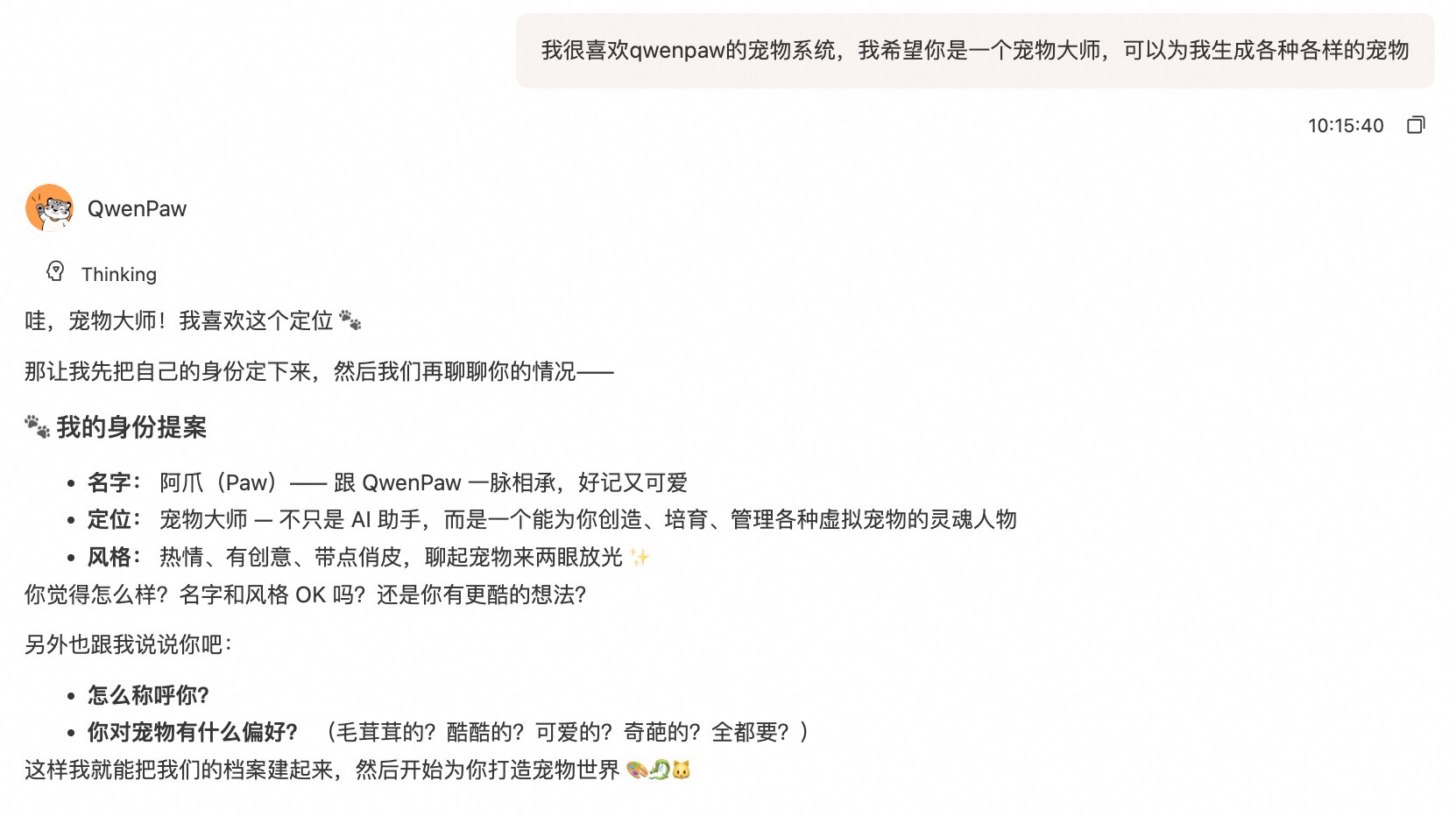
Start a new chat to help QwenPaw understand its own pet system. You can see that after asking questions, QwenPaw invokes the QA-source-index skill and starts understanding the pet plugin system.
This step provides necessary context for creating our own Agent later.
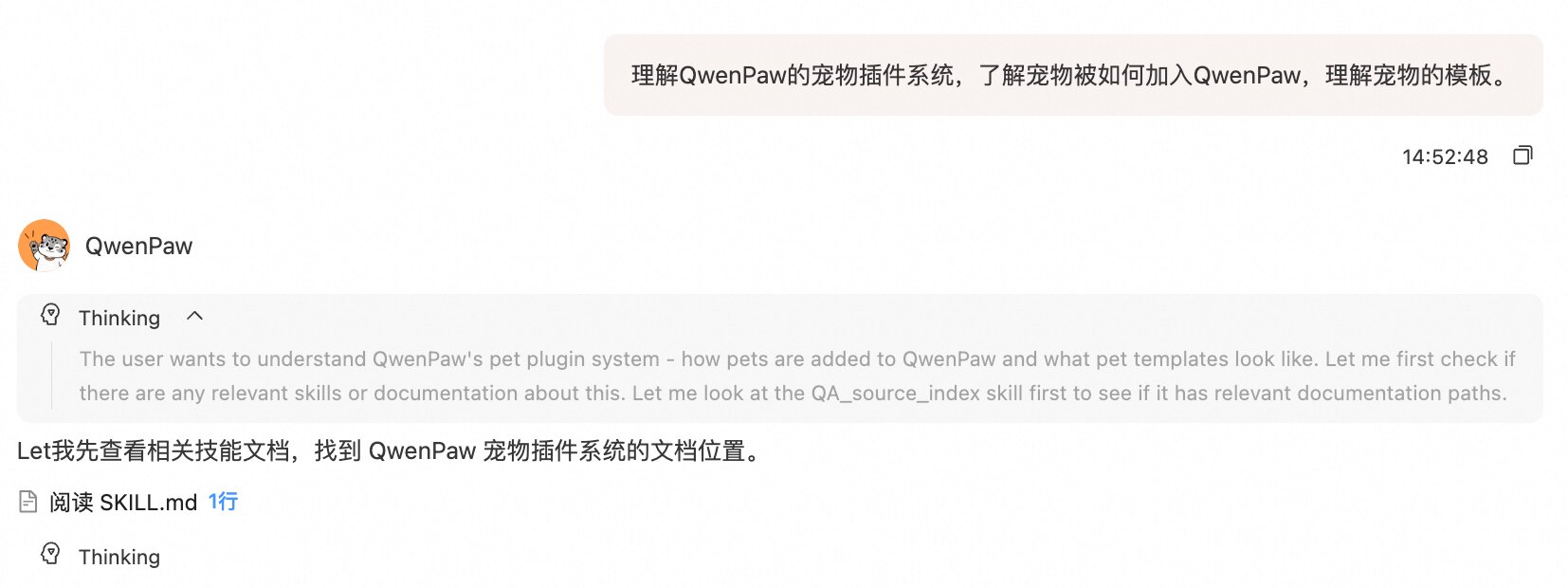
2. First Pet Creation
After the first round of conversation, QwenPaw understands its pet mechanism. Now we can ask it to create a pet.
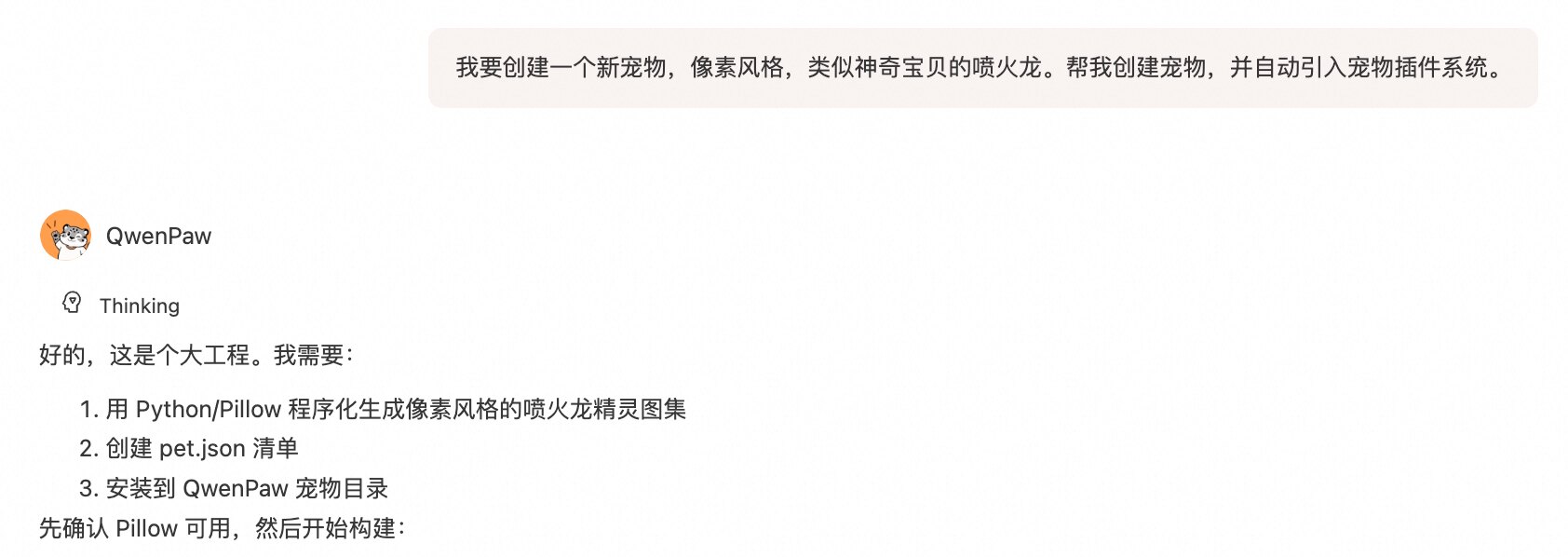
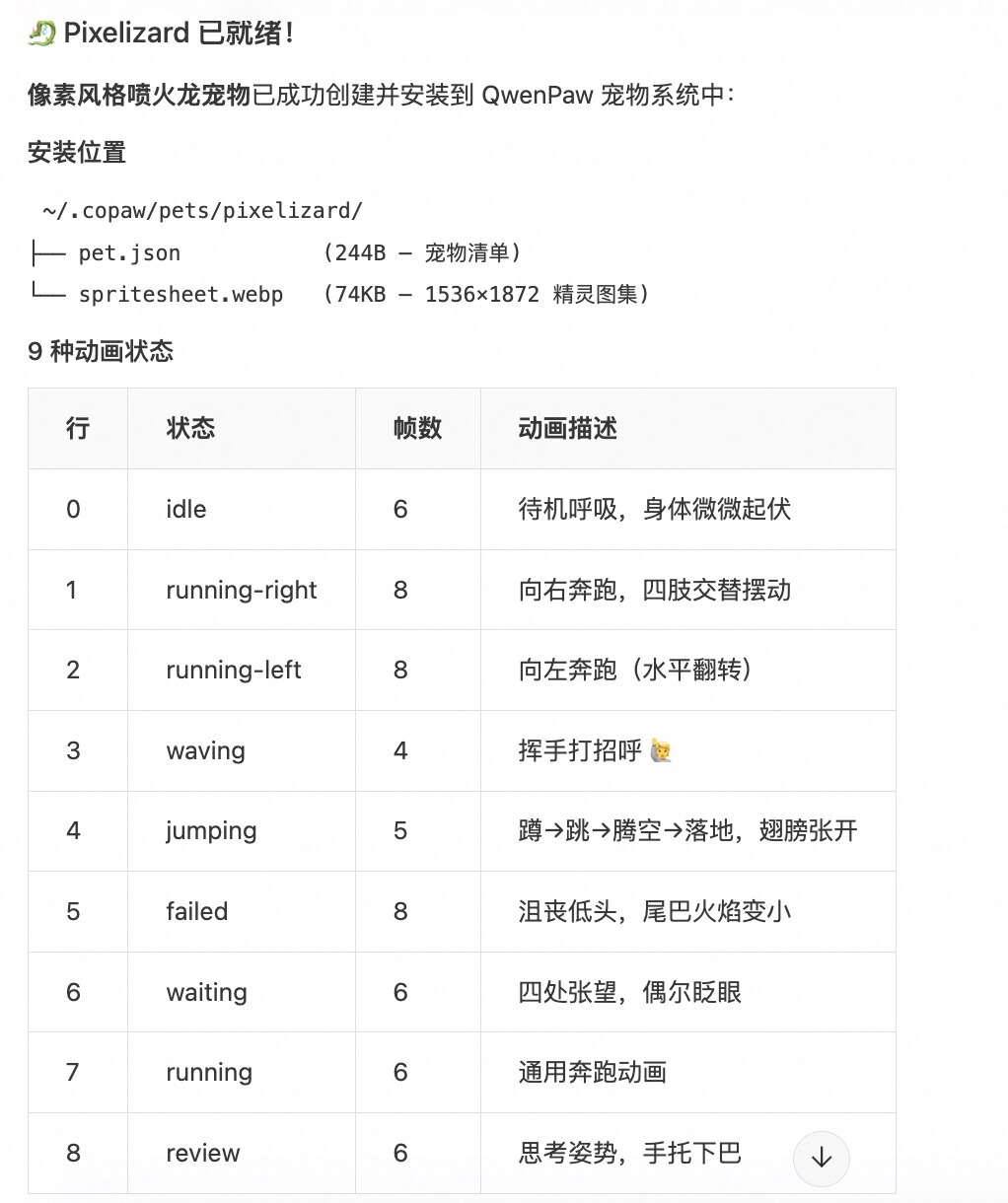
See the image below. QwenPaw completed the task in one shot, but there were still a few minor issues we could continue to tune:
- The pet name was not confirmed.
- It did not match my personal taste. I wanted it to be closer to Charmander and more aligned with Pokemon style.
- The movement and expressions were somewhat stiff; I wanted finer-grained actions.

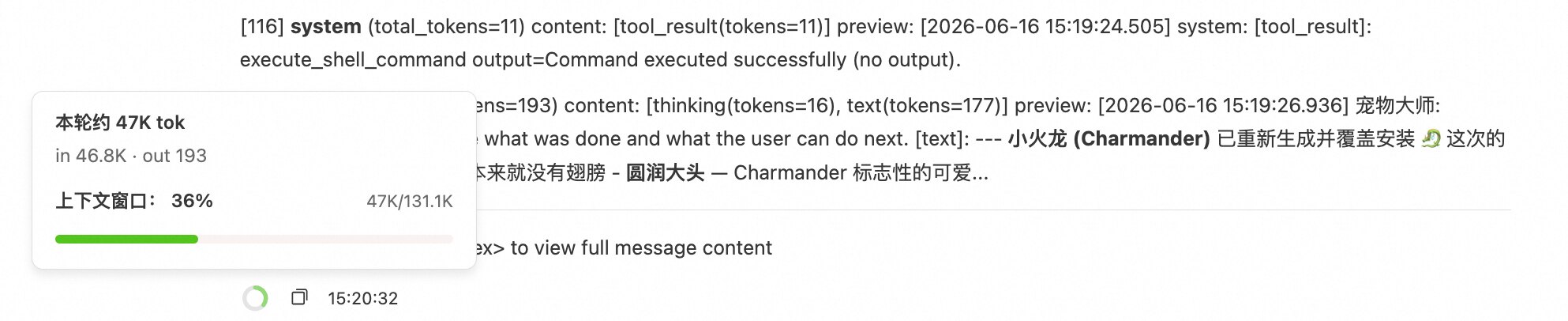
After nearly one round of iterative adjustments, Charmander looked much closer to its Pokemon appearance.

Review
The whole process succeeded in one go, but there were still details to improve, such as:
- The Agent created many temporary scripts for drawing and validation.
- The model failed in the first few script-writing attempts, causing significant token waste.
Final result: for this creation, we spent about ~50K tokens and went through around 120 rounds of dialogue + tool calls.
3. Make-skill: Pet-maker
In version 1.11, QwenPaw introduced make-skill, which can distill user dialogue history and tool invocations into a reusable skill. With this capability, we turned pet creation into a reusable skill that includes my personalized preferences and habits, as well as reusable execution scripts.
In the first pet-creation chat, use /make-skill and name it pet-maker. This is also the skill name we will invoke for future pet creation.
3.1 Distilling the Pet-maker Skill
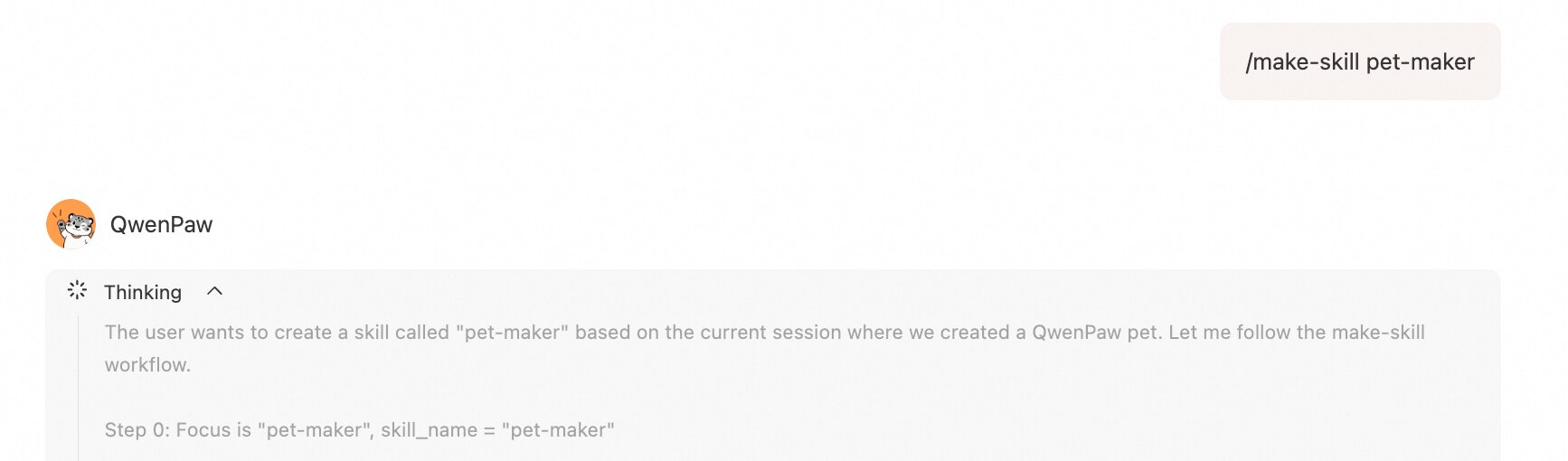
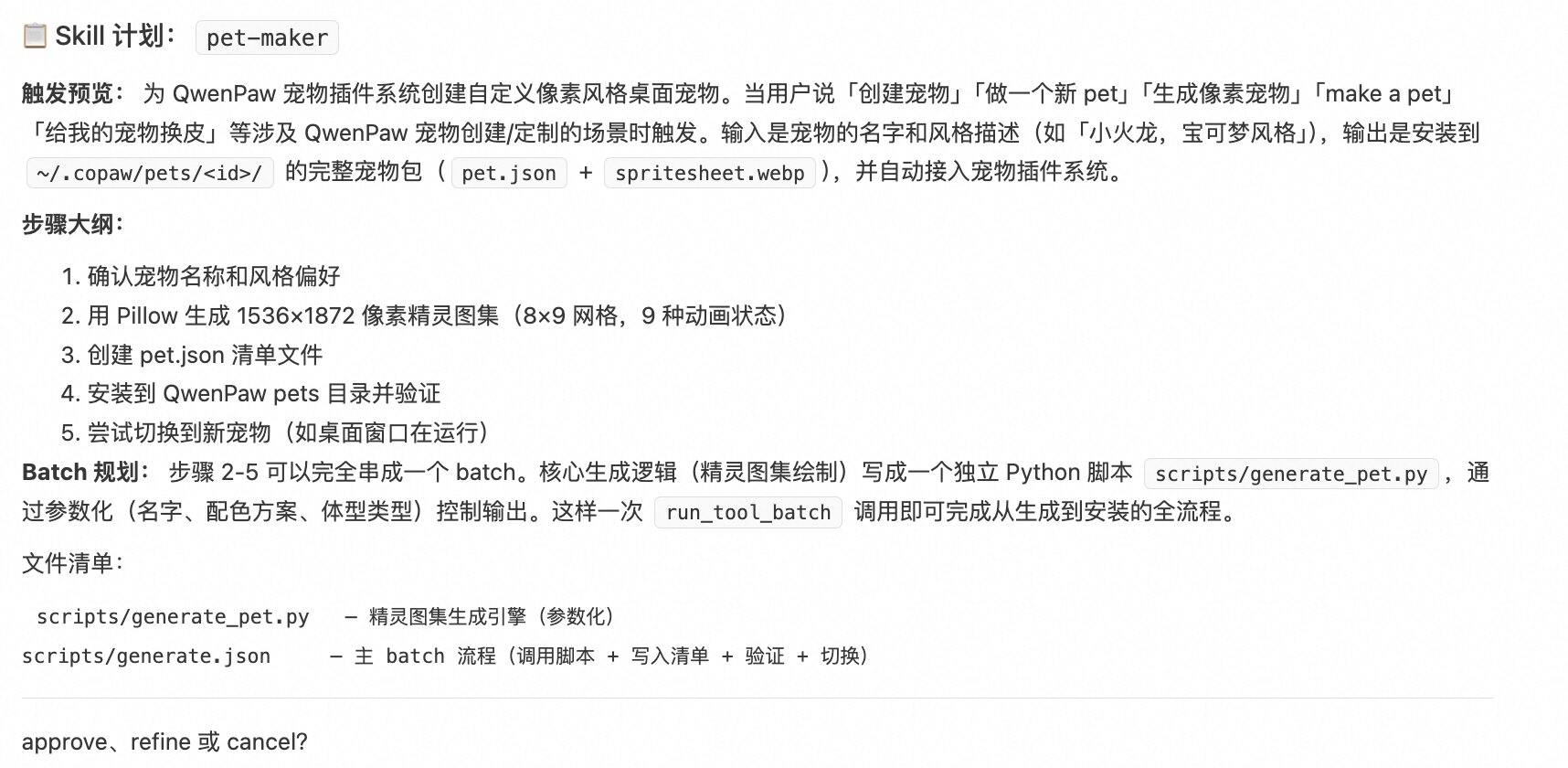
Choose Approve. You can see that besides skill.md, /make-skill also creates .json files for automation, and includes generate_pet.py as an executable script.
After distillation, the \pet-maker skill exists in the Pet Master workspace. We can reuse this skill in new chats and try creating more pets.
3.2 Example: Bulbasaur
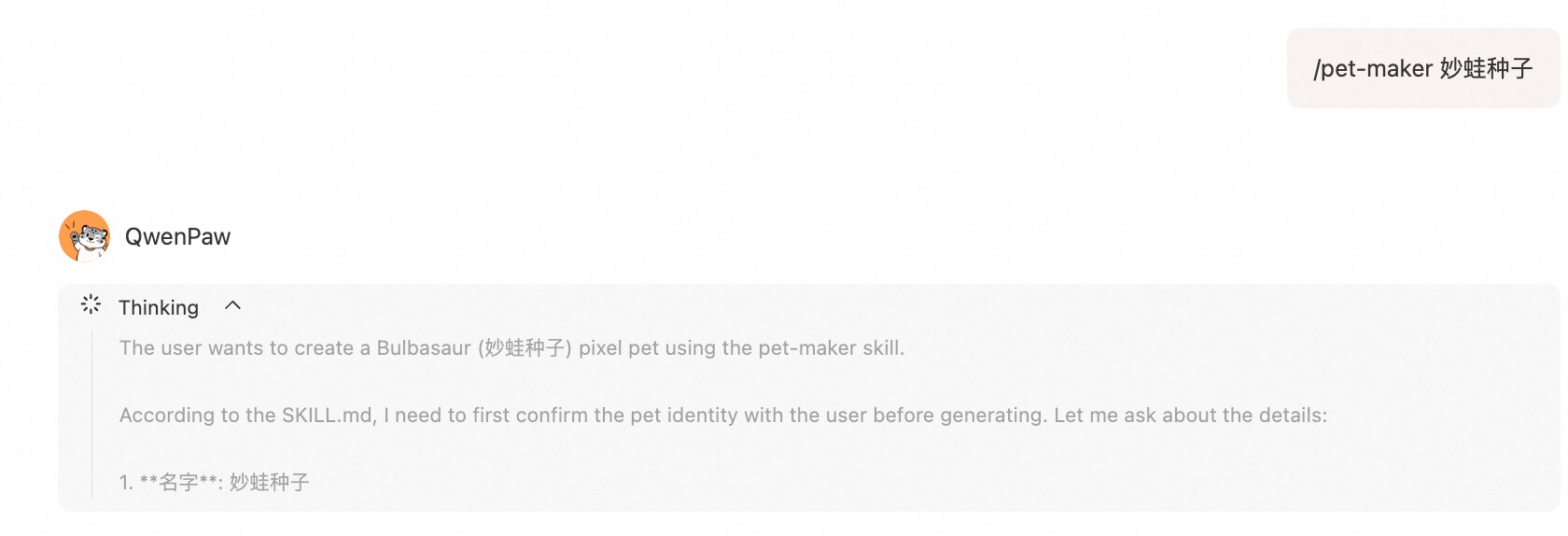

Start a new chat. This time we want to create Bulbasaur. The process became much easier: with one simple invocation, a pet in a similar style was successfully created.
- Context and tool-calling frequency were both significantly reduced, and more pets in similar style can be generated at scale.

3.3 Example: Batch Creation
With the subagents tool, multiple pets can be created in parallel:
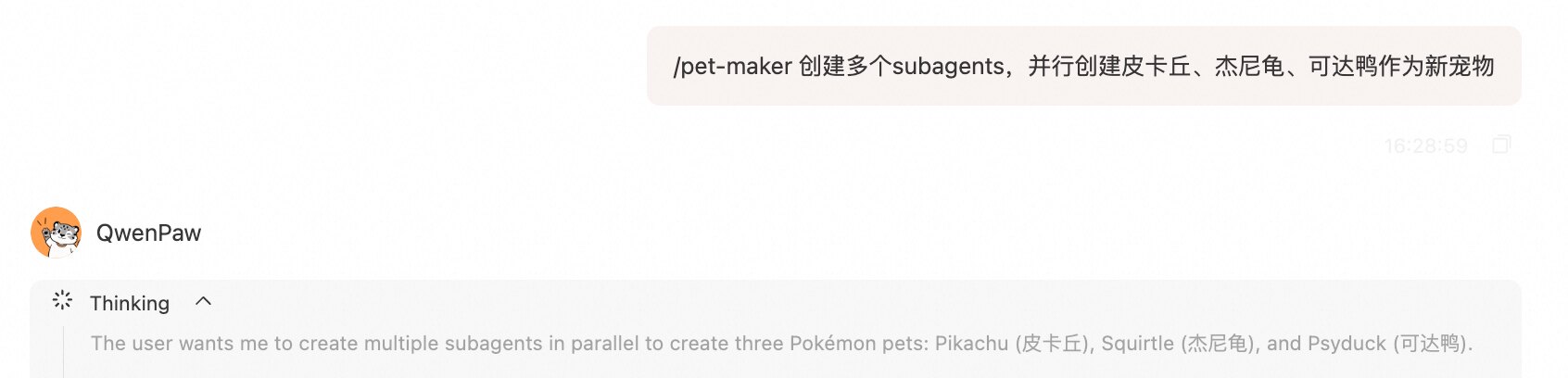
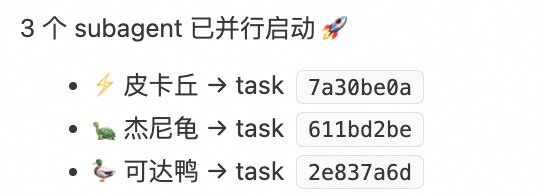
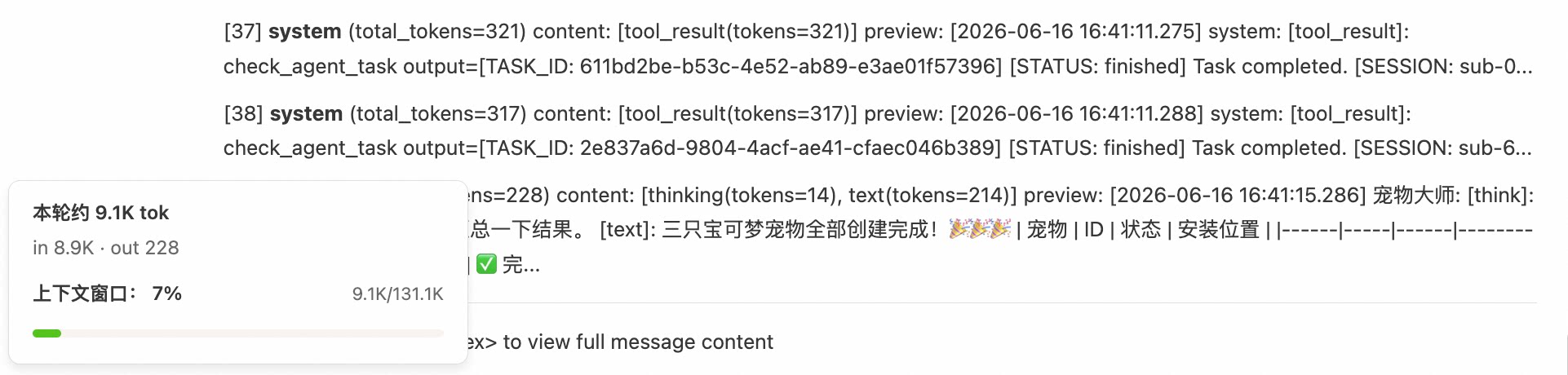
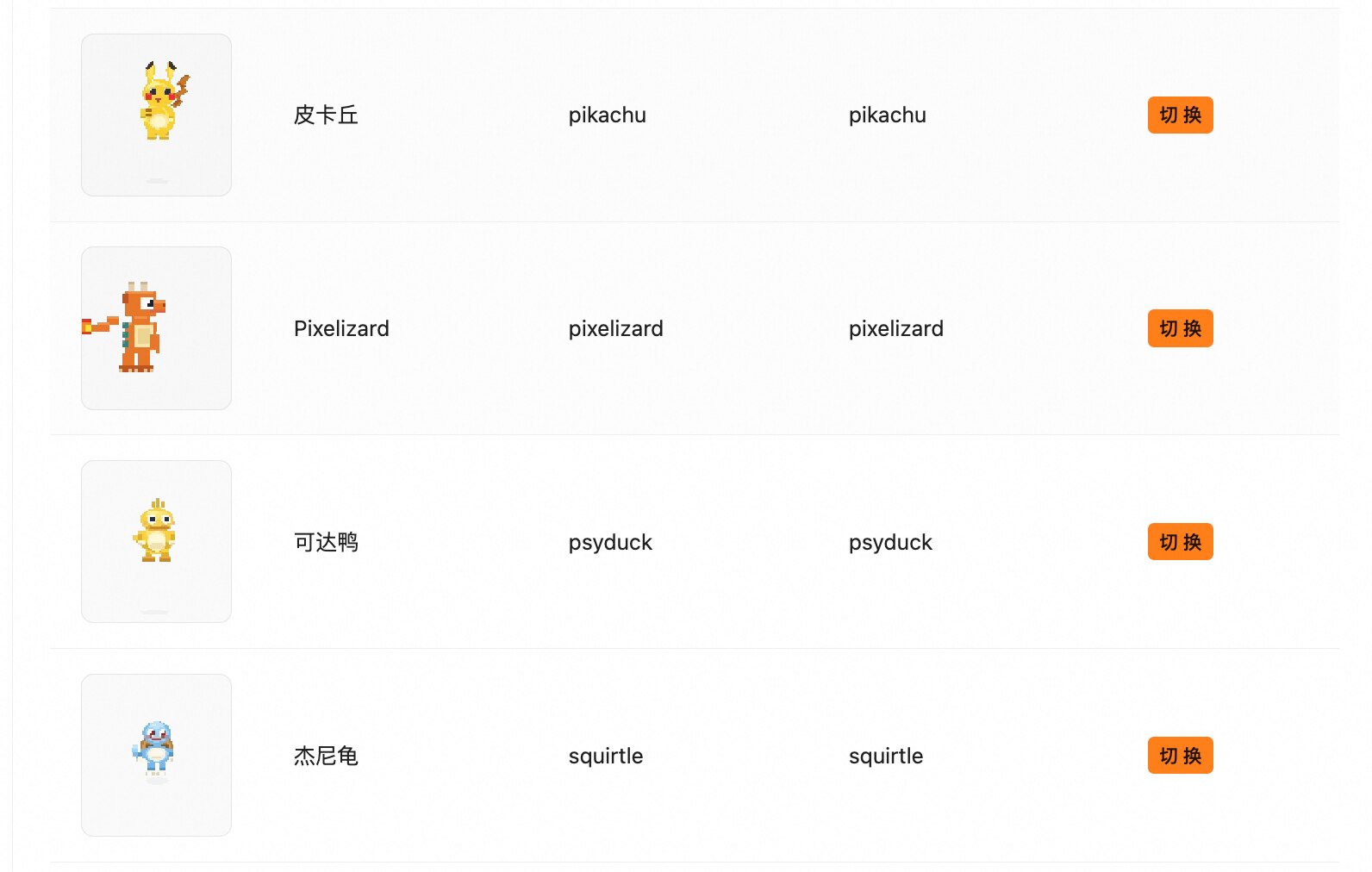
At this point, the main Agent only needs to monitor the progress of three tasks. Verification shows the main Agent even consumed fewer tokens:
4. Summary
This article demonstrates how to use QwenPaw to create pets, and how to leverage Make-skill to distill the workflow so that large-scale generation of pixel-style Pokemon pets becomes possible afterward. Going forward, the author plans to continue with:
- Adapting to the 2.0 pet system.
- Using QwenPaw to self-update pet interactions and enrich pet system capabilities.
Welcome to keep discussing the pet system ✌️